News & Insights

Tips for Safeguarding Personal Data

Share

Empower yourself with these essential Cyber Security tips for safeguarding your Personal Data in today’s digital landscape.

Utilize Strong and Unique Passwords

Increase the security of your personal data by employing passwords that are both intricate and distinctive. Consider incorporating uppercase letters, numbers, and special characters to create a unique password that is not easily guessable. Avoid reusing passwords or selecting ones based on personal information that others may know about you.

Avoid Sharing Private Information

Exercise caution when it comes to sharing sensitive information such as your email address, physical address, phone number, or other personal details. Be mindful of the information you disclose on social media platforms, as it can be exploited by individuals with malicious intent.

Exercise Caution with Public Wi-Fi Networks

Remember that free Wi-Fi doesn’t guarantee security. Be cautious when connecting to public Wi-Fi networks, as they can be vulnerable to data breaches. Consider using a virtual private network (VPN) to encrypt your internet connection and protect your data while using public networks.

Invest in Reliable Antivirus Software

Protecting your data against malicious software is essential. Invest in reputable antivirus software that can effectively detect and prevent viruses from compromising your data. Regularly update the software to ensure it remains equipped with the latest security measures.

Regularly Back Up Your Data

Creating backups of your data is crucial in case of accidental deletion, intentional tampering, or device loss, damage, or compromise. By regularly backing up your data, you can ensure that your information remains secure and accessible even in unforeseen circumstances.

Remember, safeguarding personal data is an ongoing process, and it’s important to stay vigilant and proactive in protecting your information from potential threats as cyber security is becoming increasingly important. For more information or assistance with your securing your Data contact DYN I.T. Solutions on 1800 960 487 or by filling our contact form Contact Us | DYN-I.T. Solutions | I.T. Support Experts (dyn-it.com.au).
Read other articles

Introducing ASD Essentials

The Australian Signals Directorate (ASD) has announced ASD Essentials, an evolution of its long-standing approach to cyber security resilience for Australian organisations....
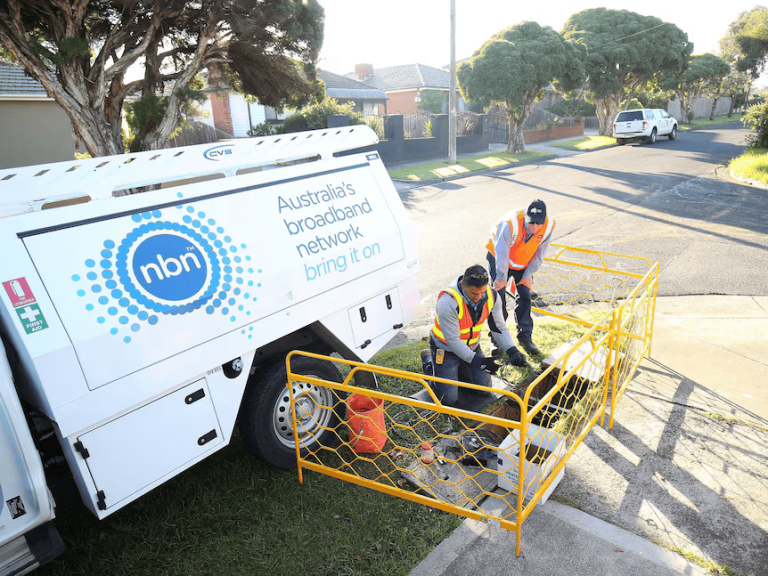
nbn Business Internet

Top 5 NBN Providers in Newcastle for 2026

In this article, we compare the Top NBN providers in Newcastle, focusing on performance, resilience, and support — and explain why DYN...
Managed IT services in Newcastle with DYN I.T. Solutions team at work

Top 10 Managed IT Providers in Newcastle | 2025

Discover the top 10 Managed IT providers in Newcastle. Learn why DYN I.T. Solutions is the #1 choice for local businesses needing...
nbn Business Internet

Supercharge Your Internet: The NBN Fibre Uplift Program is Here

In today’s digital world, fast and reliable internet isn’t a luxury—it’s a necessity. Whether you’re working from home, running a business, streaming...

The Countdown to Windows 10 End of Support: Why It’s Time to Upgrade to Windows 11

Windows 10 has been a reliable workhorse for millions of users over the past decade. However, its lifecycle is ending, and Microsoft...

Empowering Small Business Success: Microsoft Copilot and DYN I.T. Solutions

Empowering Small Business Success: Microsoft Copilot and DYN I.T. Solutions...

How much does a Managed Service Provider (MSP) Cost?

In today’s digital landscape, businesses rely heavily on technology to streamline operations, enhance productivity, and stay competitive. However, managing I.T. infrastructure efficiently...

How to be Cyber Secure with DYN I.T. Solutions

Cyber Security and How to Remain Secure Cyber security is the practice of protecting your devices, accounts, and data from malicious attacks...

5 Things To Do After The Optus Hack

Whether you’ve read about it in the news or you received an email from Optus directly, the significant data hack impacting customers...

What to Do about Slow Internet in the Home Office

A few years ago we thought working from home would be temporary: a couple of weeks of remote work was going to...

How to set up your work email with Outlook

How to set up your work email with Outlook With Outlook on your PC, Mac or mobile device, you can: Organize your...

Top Things to Replace in Your Old School Office

You may be in the “if ain’t broke why fix it” camp. Yet even if some of your outdated office tools and...

What are you searching for?