A few years ago we thought working from home would be temporary: a couple of weeks of remote work was going to help corral this coronavirus thing, and we’d get back to usual. Now we know better, and the things we could put up with in the short term loom as bigger challenges. Poor internet connectivity is one of those.
Many home internet connections were fine before. Someone in the family could be streaming Netflix, and another person could be checking email or paying bills – no biggie. Yet the demands on the internet connection have grown exponentially. People still want to do all those things, but students are also connecting to online learning platforms. Employees are logging in to video conferences, too.
Many businesses and their employees have seen the benefits of working from home during the pandemic. However, as remote work becomes a long-term solution, people can’t continue making do with subpar internet connectivity. What can be done?
Improving Internet Connectivity
Internet connections vary widely depending on where you are. You could enjoy blazing fast internet that allows you to upload large files in minutes even while someone else blasts zombies in a multi-player video game. Yet a few streets away, a user lacks the bandwidth to participate in a conference call without connectivity issues.
Home office internet connectivity depends on several factors, one of which is your internet service provider (ISP). Some ISPs simply aren’t as good. They may be cheaper, but they could be overselling their capabilities, which results in slowdowns at night. Higher-priced ISPs are less likely to have this problem. You may gain speed by simply switching to a different provider.
The kind of network connectivity available is also a consideration. Perhaps your network provider’s signal is carried over copper wiring. If that’s the case, the internet signal degrades with distance. Those physically further away from the exchange will have slower internet than someone closer in. Unless you want to move houses, there’s not a lot you can do about this one.
Still, fiber-optic cables are increasingly available in different areas. The ISPs charge more for these connections, but reliability benefits. Fiber loses only 3% of its signal over distances greater than 100 meters, whereas copper can lose up to 94%! At the same time, fiber is more durable and lacks the conductivity issues of copper, which can be vulnerable to power lines, lightning, and signal-scrambling.
Another factor may be the plan you’re on. The ISP may have a 100+ Mbps plan, and you’re only on the 12 Mbps. That was enough before, but you may want to upgrade now that so many devices are connecting to the internet at the same time.
Find out also if your plan is subject to a data cap. Some ISPs set up a data threshold limiting the amount of data you can use in a month or at particular times of the day.
Get Expert Insight into Your Internet
You might also benefit from upgrading your home internet connections. An IT expert can come in and take a look at the hardware you’re using to get online. There could be some quick connectivity gains with an upgraded router or gateway, or moving your wireless access points.
Our IT gurus can also determine whether a Wi-Fi booster or mesh solution would help. In your area, you may have a 4G or 5G wireless option. It’s more expensive but can be another way to get the speed you need.
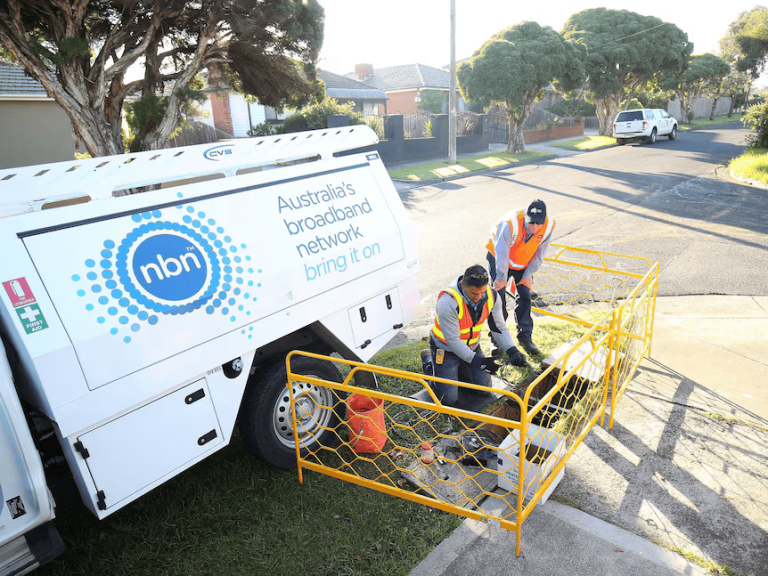
Simon from Eastview Advisory selected DYN-IT to put NBN solutions into both his home and office. This resulted in a 23% increase in speed, with added protection from a firewall implementation.
Point-to-point Wi-Fi might also be an option. If you’re within range of a location providing business-grade internet, it may work to set up a dish on your roof. Of course, geography matters in this case, as you need a line-of-sight connection to the signal source.
Now that work from home is stretching long term, consider how you can upgrade your internet connection at home. Support remote work, student online learning, and other ways you use your bandwidth by getting the best you can.
For more information contact us today on 1800 960 487 or message us on Facebook here